
Website mockup generator from a URL
No screenshots at hand? Paste your site's address below. Cover Studio finds its pages, captures the ones you pick on desktop and mobile, and frames them for you.
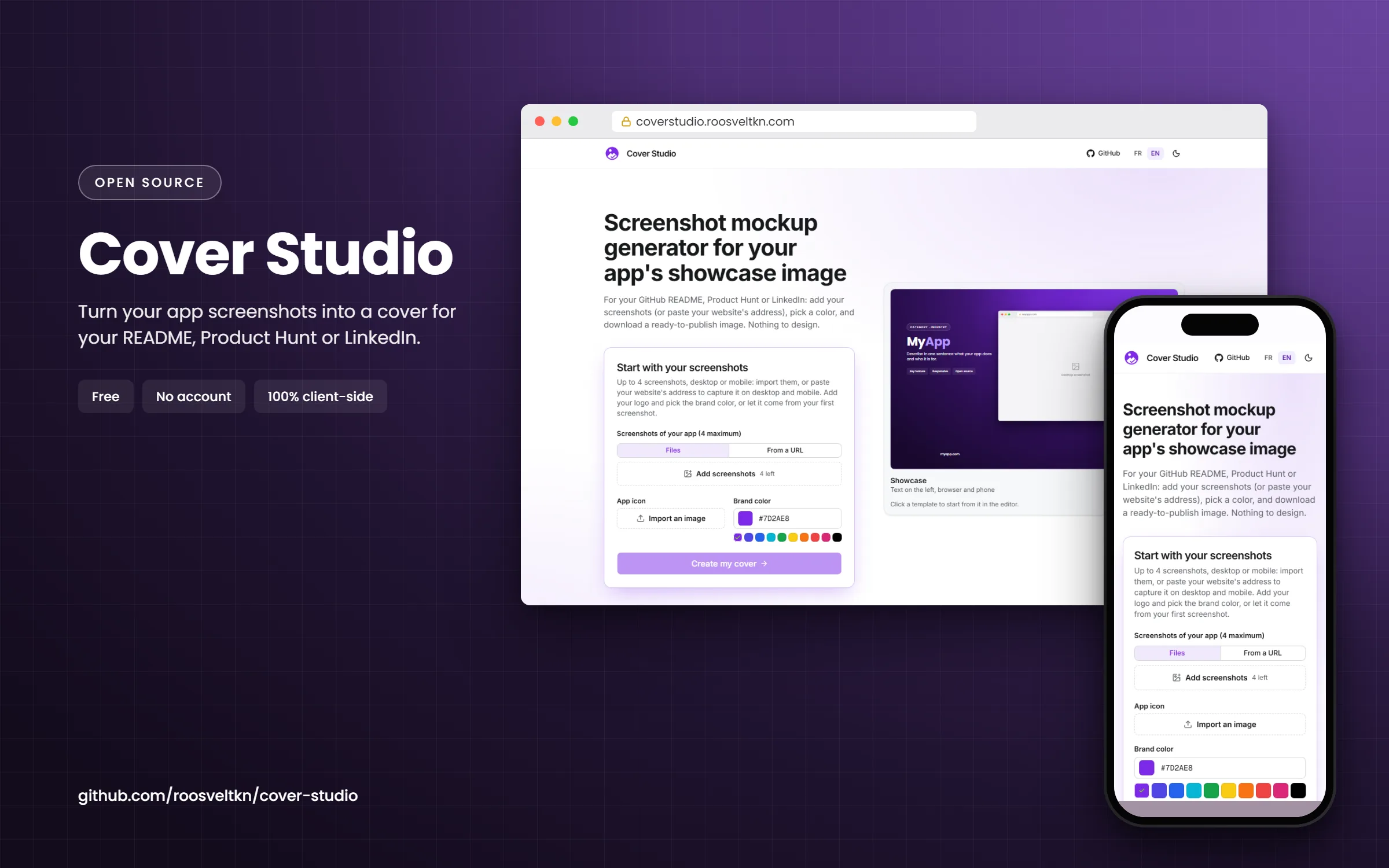
Start with your screenshots
Up to 4 screenshots, desktop or mobile: import them, or paste your website's address to capture it on desktop and mobile. Add your logo and pick the brand color, or let it come from your first screenshot.
The address is sent to our capture service. Files you import stay on your device.
Showcase
Text on the left, browser and phone
Click a template to start from it in the editor.
From an address to a mockup
- Analyze. Cover Studio reads the home page, its navigation links and the sitemap to list the site's pages, grouped as navigation, pages, blog and legal.
- Pick. Check up to 2 pages captured on both desktop and mobile, or up to 4 pages on a single device. A preview shows a page before you commit.
- Capture. Each page is rendered in a real Chrome browser and lands in the gallery as a screenshot, exactly as if you had imported it.
- Frame and export. Choose a template and a colour, then download the PNG in the size you need.
What gets sent, and what stays in your browser
Capturing a site is the one feature that uses a server: the address you type is sent to the Cover Studio capture service, which returns the images. Nothing else is sent. Screenshots you import yourself never leave your device, and the layout and the export always run in your browser.
The capture service is open source like the rest of the project; its contract is documented in the repository.
Sites it can't capture
The service sees your site the way a logged-out visitor does. A few cases need screenshots imported by hand instead:
- pages behind a login (dashboards, admin areas);
- sites that block automated browsers;
- local addresses such as
localhostor a private network.
Switch the source back to Files and drop your own screenshots: the rest of the flow is identical.
Where the mockup goes next
The same captures can become a GitHub social preview for your repository or a README banner; only the export format changes.
Frequently asked questions
How many pages can I capture at once?
Four screenshots per run: 2 pages on both desktop and mobile, or 4 pages on a single device. The gallery holds 4 images.
How long does a capture take?
About ten seconds per page, two pages at a time.
Can I mix captured pages and my own screenshots?
Yes. Captures land in the same gallery as imported files; reorder them by drag and drop to choose which frame each one goes in.
Is it free?
Yes, with no account and no watermark. Cover Studio is open source under the MIT license.